
 5 min read
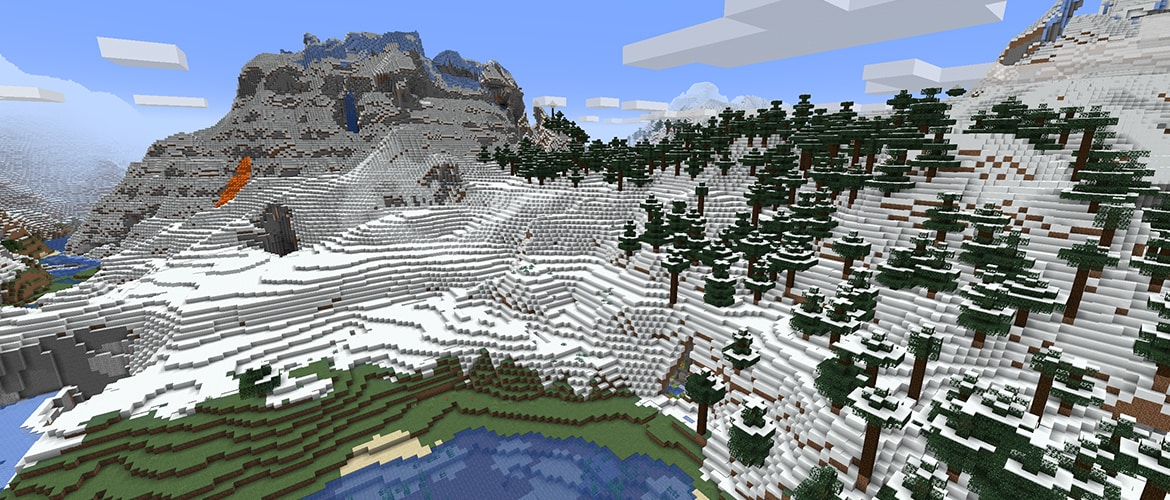
A chunk in Minecraft is a 16 by 16 block section of the world that stretches from the bottom of the map all the way up to the build limit. In the Overworld it's 384 blocks tall, from Y -64 to Y 319, which adds up to 98,304 blocks. The game loads, saves and simulates the world in chunks, which is why their borders matter for farms, redstone and base planning.
- Size: 16 by 16 blocks, 384 blocks tall in the Overworld.
- In Java, the F3 + G shortcut shows the borders.
- A chunk's coordinate is the block coordinate divided by 16 and rounded down.
- Every tenth chunk is a Slime chunk, where Slimes can spawn below Y 40.
How many blocks a chunk has in each dimension
A chunk's base is always 16 by 16 blocks. Only the height differs: according to the chunk page on the Minecraft Wiki, it's 384 blocks in the Overworld, 256 in The End, and 256 blocks in the Nether on Java versus 128 on Bedrock.
Vertically, a chunk is split into 16 by 16 by 16 block sections, also called subchunks. In the Overworld, one chunk consists of 24 such sections, while in The End and the Java Nether it's 16.
How to see chunk borders
On Java, press F3 + G. The game will display lines along the edges of the chunk you're standing in, and pressing it again hides them. On some laptops and Macs you'll also need to hold the Fn key. The debug screen under plain F3 also shows a "Chunk" line with the chunk's coordinate and its position in the region file.
Bedrock doesn't have a dedicated shortcut for borders. The easiest way is to calculate them from coordinates: a chunk's coordinate is the X or Z coordinate divided by 16 and rounded down. Example from the Minecraft Wiki: the block at X 27, Z -15 lies in chunk (1, -1), and every multiple of 16 marks a chunk edge. When both X and Z are multiples of 16 at the same time, you're standing in the northwest corner of the chunk.
You can also do these calculations in our coordinate calculator, and a chunk map for a specific seed is shown by Chunkbase.
On disk, chunks go into region files with the .mca extension inside the world folder. The "Chunk" line on the F3 screen even gives the name of the file that stores the chunk under your feet, which makes it easier to recover corrupted parts of the map from a backup.
Chunk loading and simulation distance
The game only keeps the chunks around the player in memory. On Java, the render distance decides which chunks are loaded, while a separate simulation distance, added in version 1.18, determines the area where mobs, plants and redstone actually work. If a farm sits outside the simulation distance, it just sits there doing nothing.
Since version 1.18, the loaded area on Java is shaped like a cylinder rather than a square. On Bedrock, the number of loaded chunks follows directly from the simulation distance: with a setting of 4, the game keeps active chunks within a radius of about 5 from the player. On weaker hardware, these two sliders are the first place to look for optimization.
Portals and thrown Ender Pearls can also load chunks, and the /forceload command keeps selected chunks permanently active. On Bedrock, the same role is filled by areas created with the /tickingarea command. We cover a ready-made solution for servers and singleplayer worlds in our article on the Chunk Loader data pack.
One important change concerns spawn chunks. In Java 1.21.9, Mojang removed them entirely, along with the spawnChunkRadius game rule. Farms built near the world spawn point, which used to run without a player nearby, now only work in newer versions if someone is close by or the chunk is loaded by some other method.
Slime chunks and other uses
Every tenth chunk is a Slime chunk. Slimes can spawn in it below Y 40 regardless of light level. On Java, the world seed decides which chunks qualify, while on Bedrock the same coordinates are Slime chunks in every world. For how to use this to produce Slimeballs, see our Slime farm guide.
Chunk borders also come in handy for regular building. Redstone contraptions and farms are best kept within a single chunk so they don't stop working when part of the setup falls outside the loaded area. Chunkbase and the coordinate calculator can help you plan your base so your most important machines don't sit on the border between several chunks.
For the ambitious, there's the one chunk challenge, where the entire survival game plays out on a single 16 by 16 block piece of the world surrounded by The Void.
