
Minecraft schematics: community builds to download
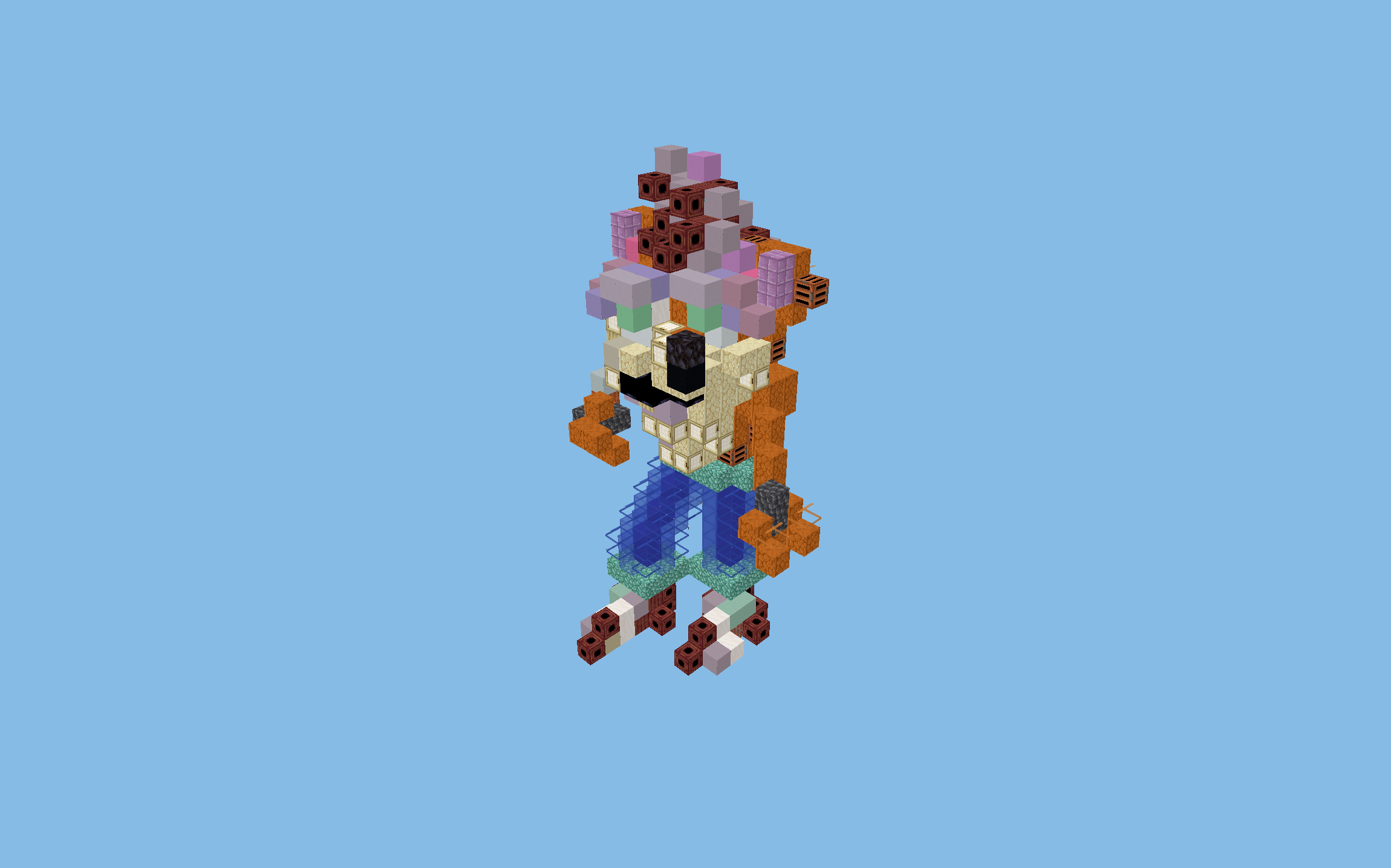
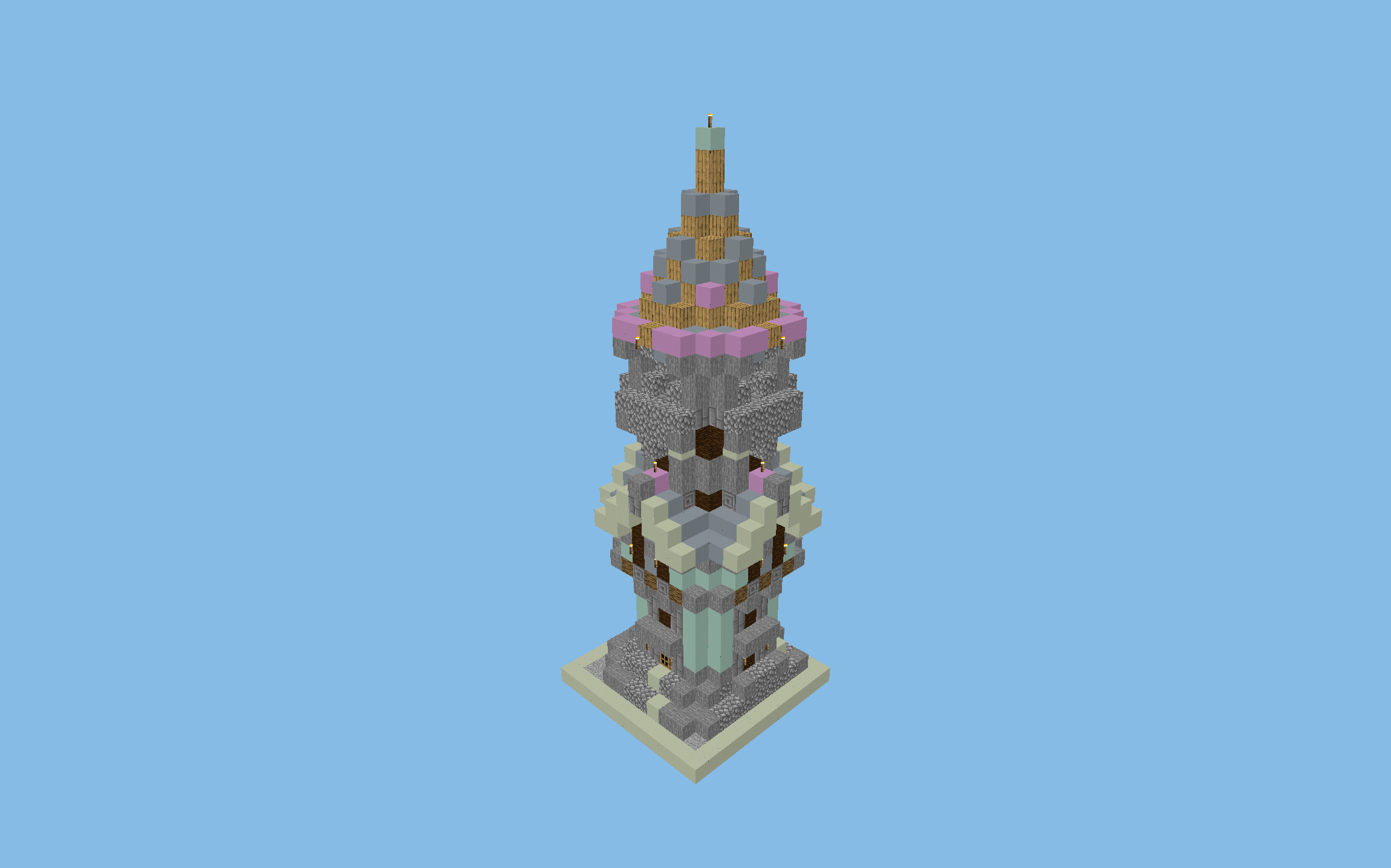
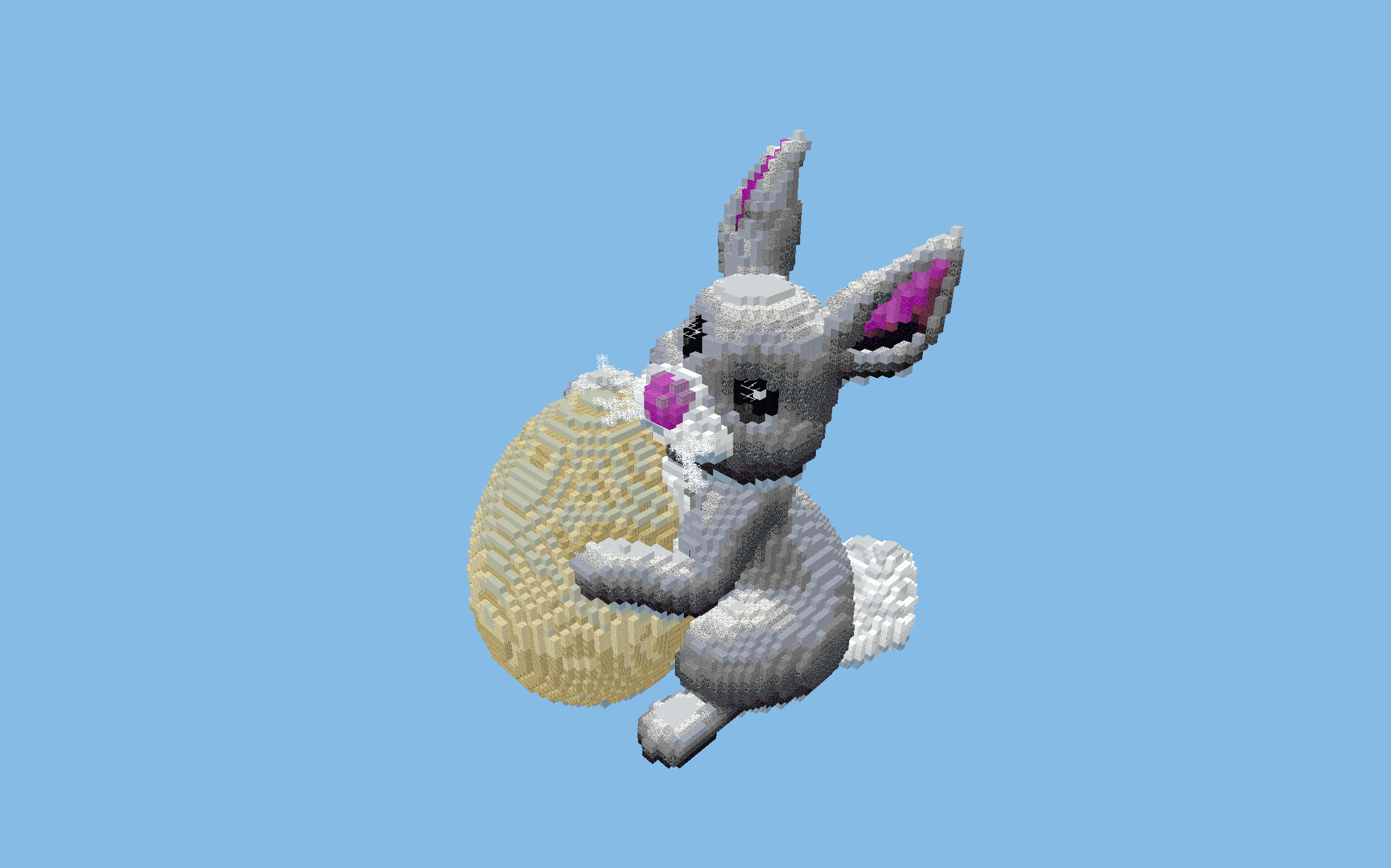
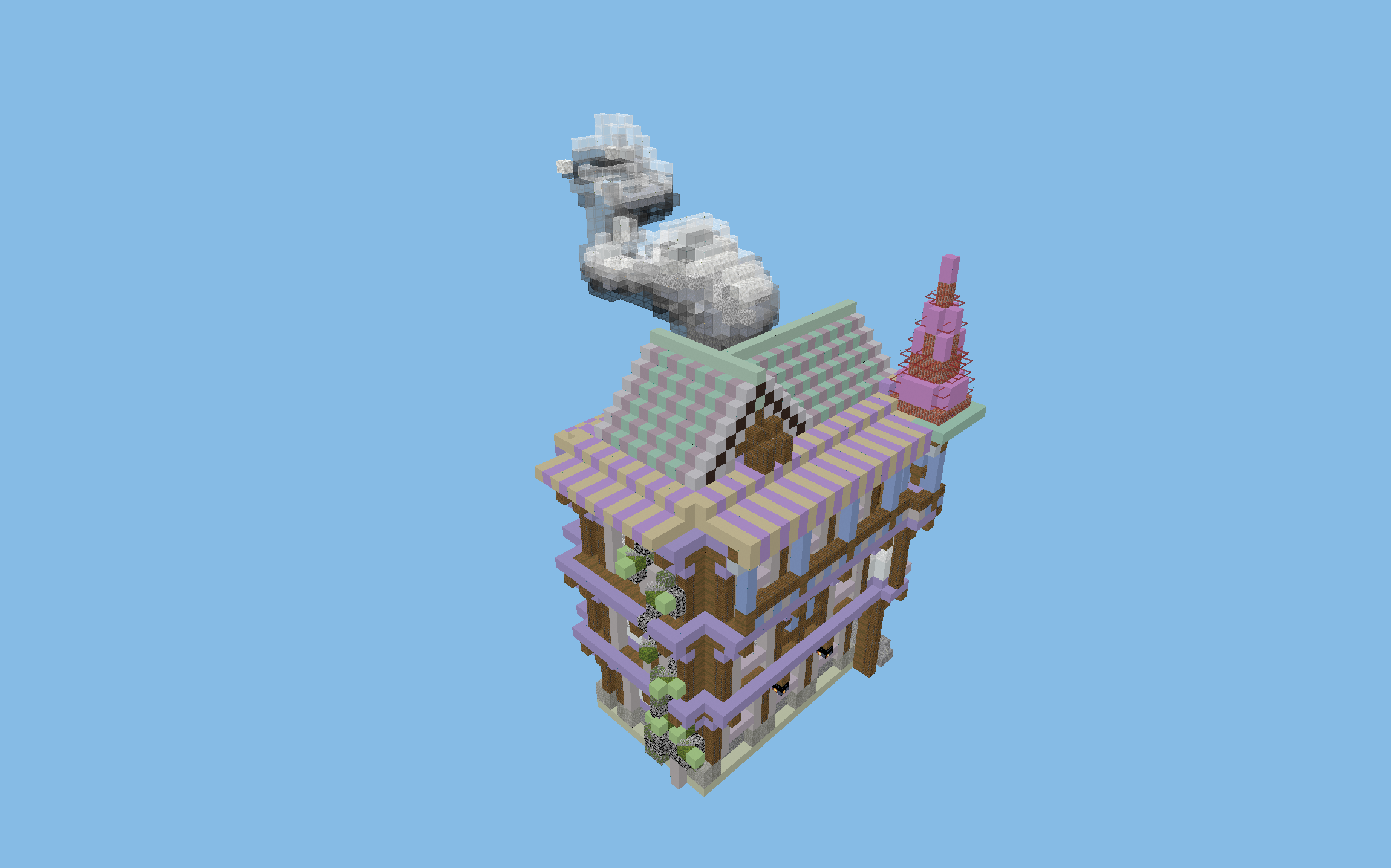
Hand-picked Minecraft schematics with a ready-to-use .schem file, a 3D preview in your browser and a full material list. Paste them with WorldEdit commands, view holograms in Litematica or rebuild them by hand in Survival mode. You can view every build in 3D before you download the file.
Showing 39 of 39 schematics
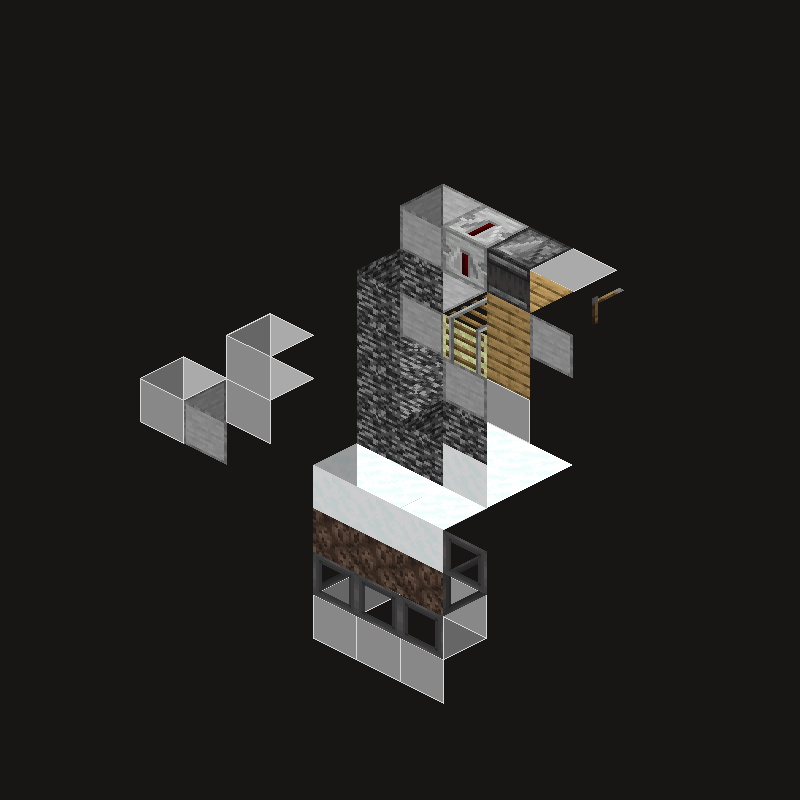
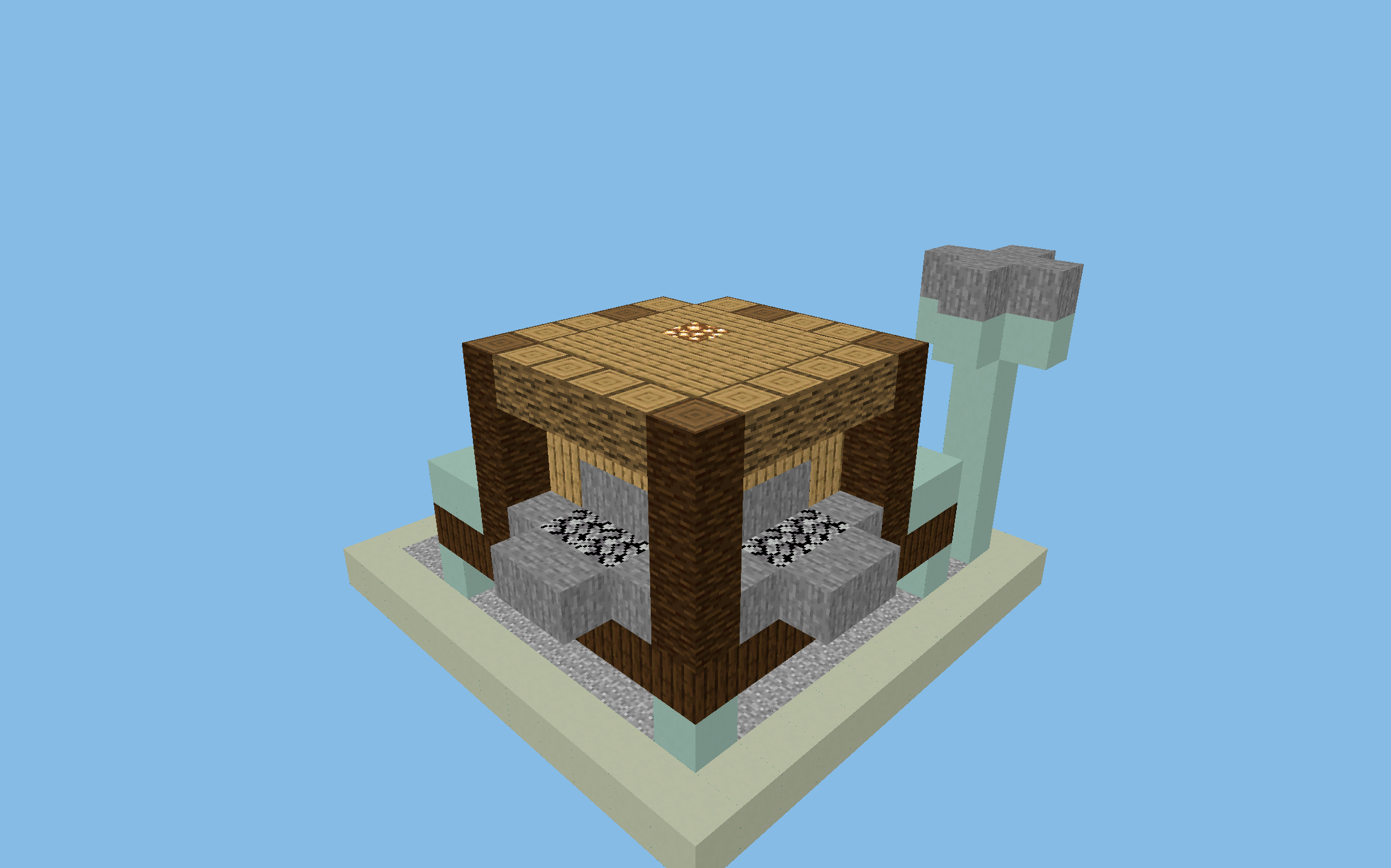
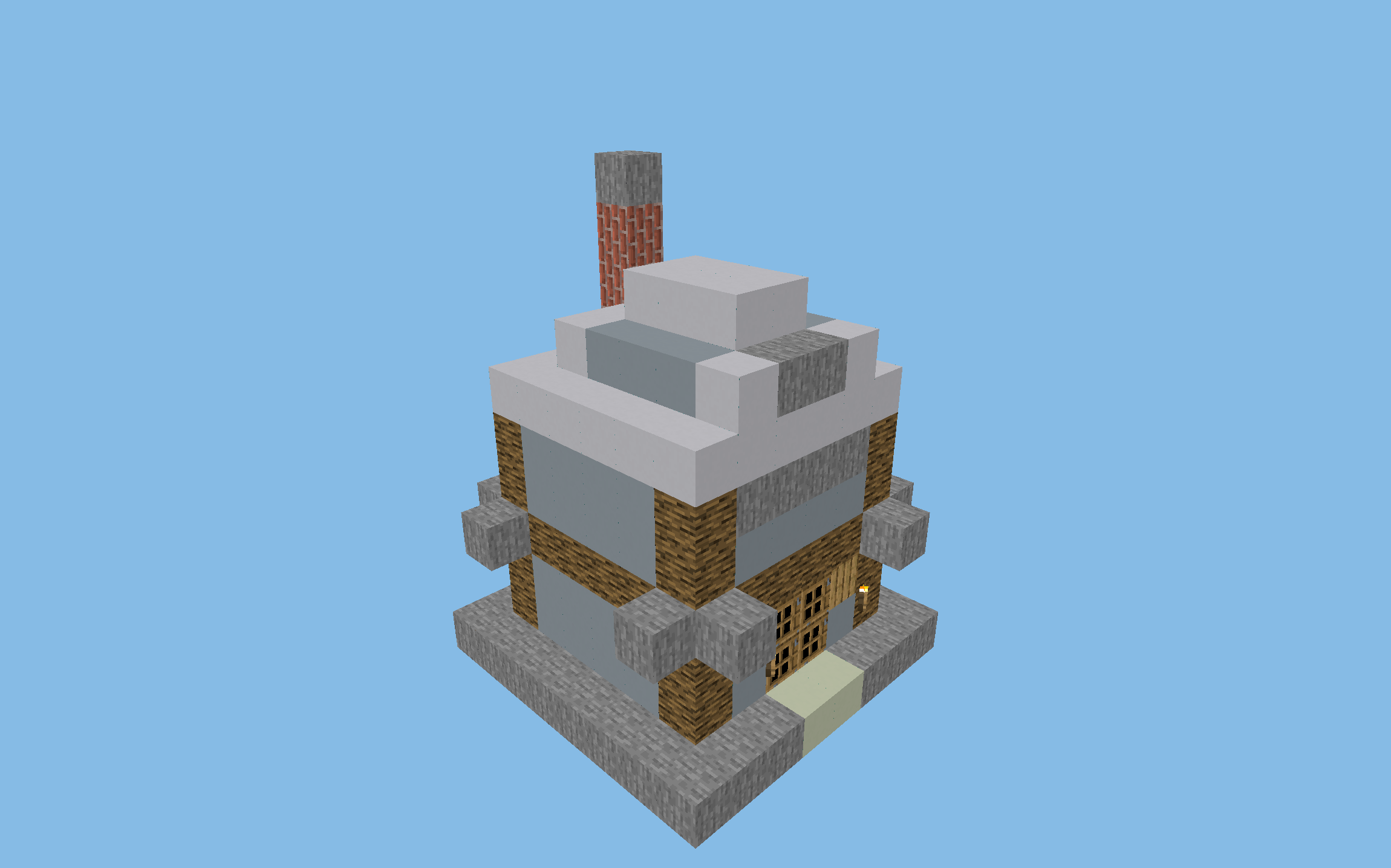
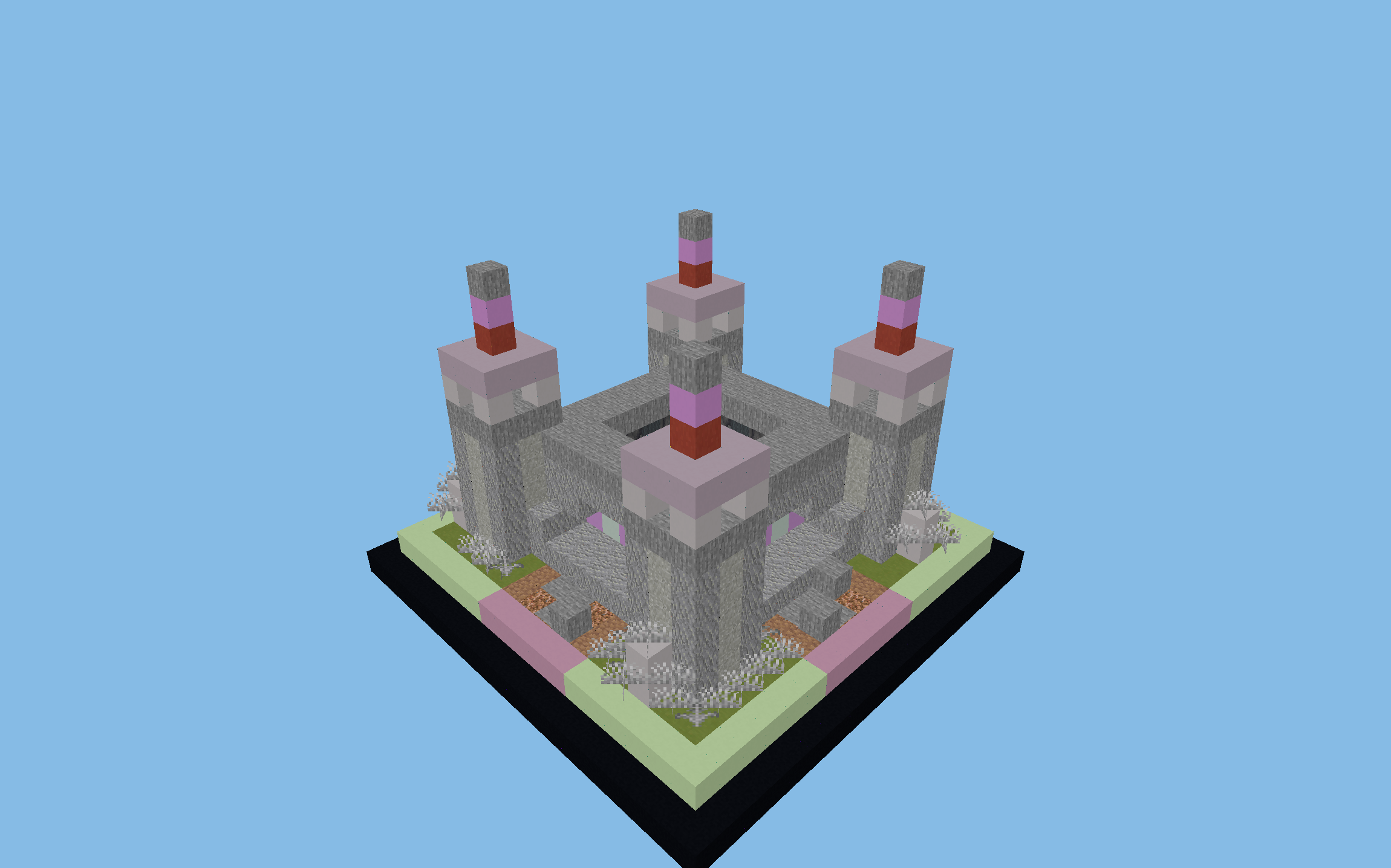
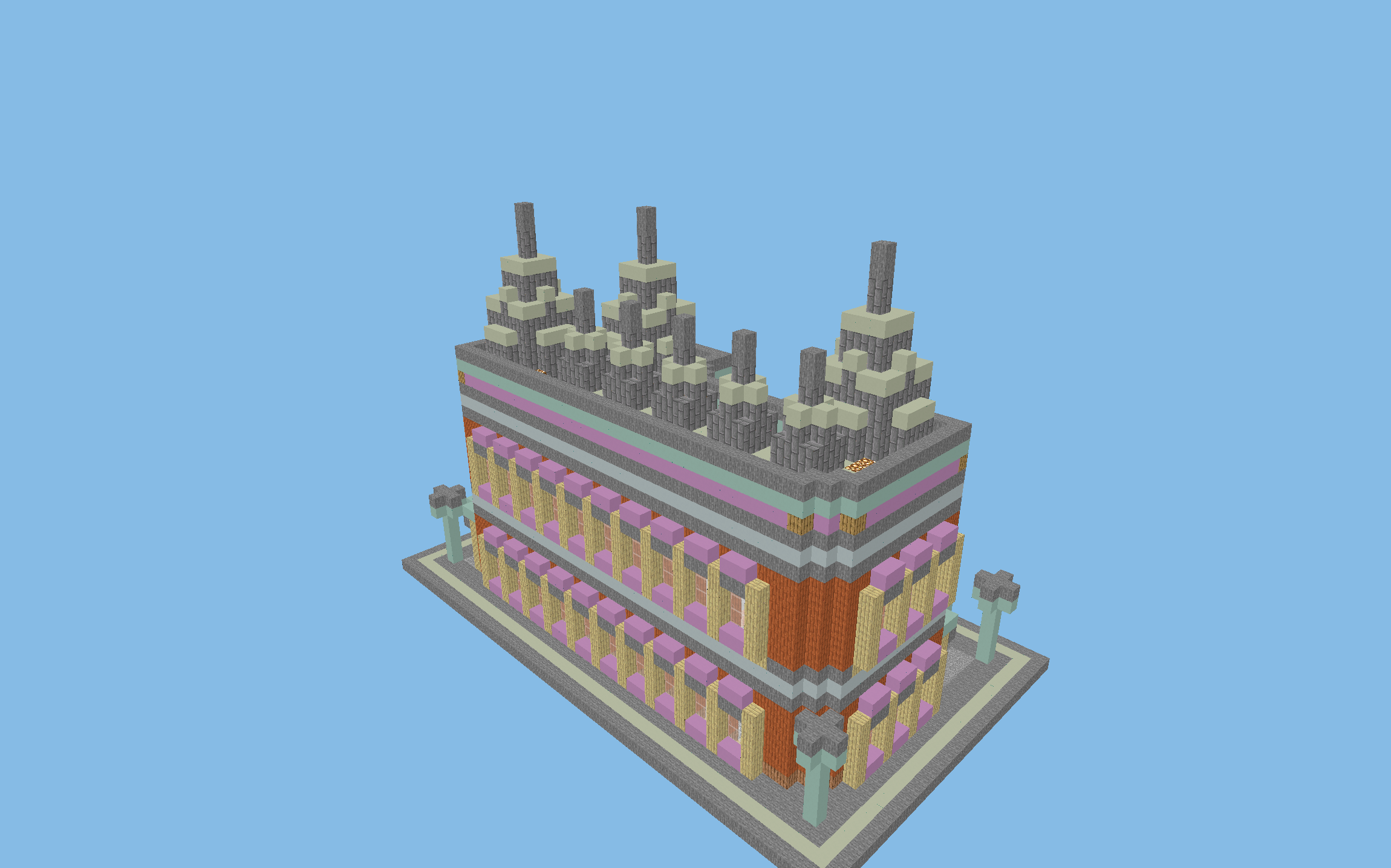
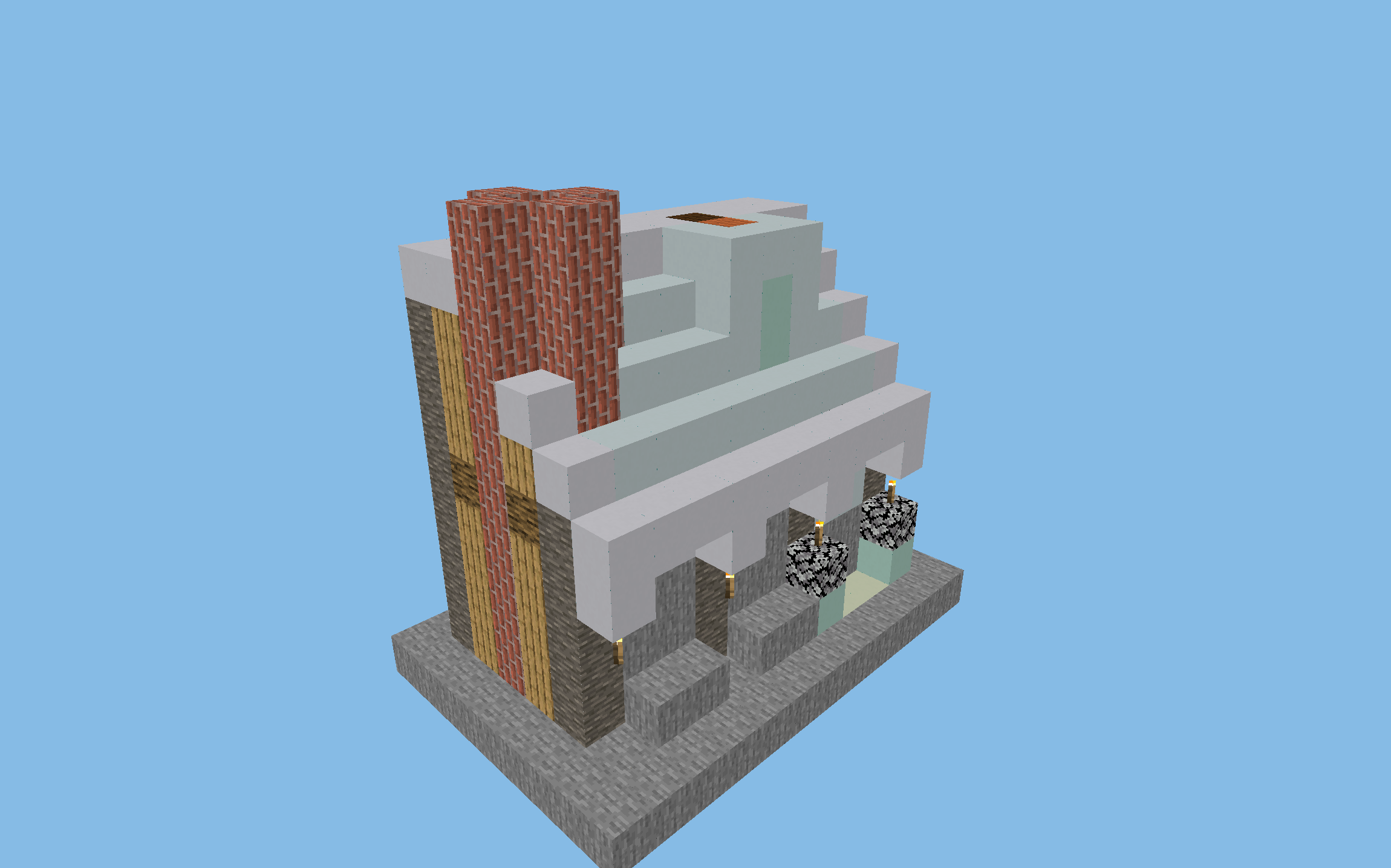
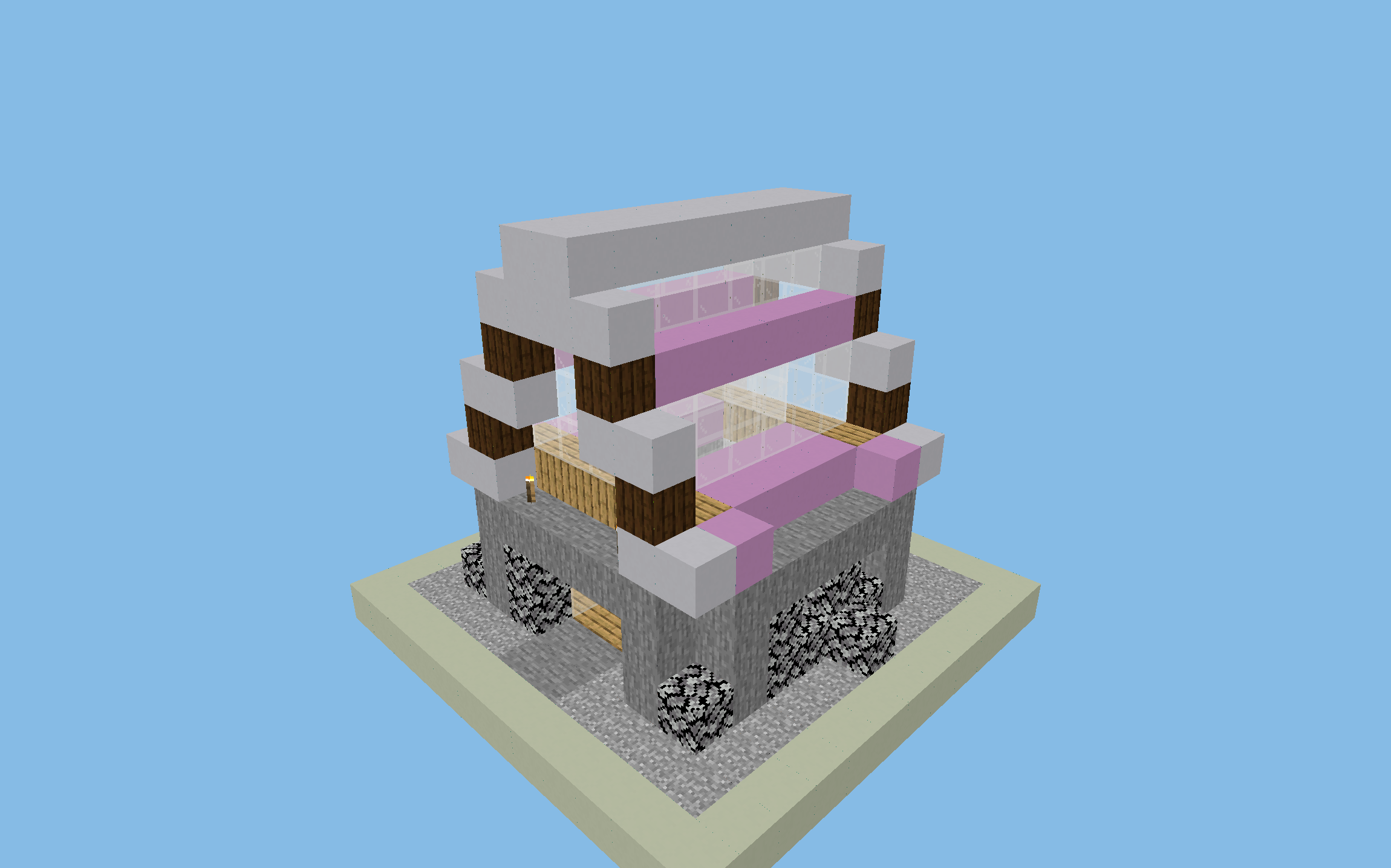
How to download and paste a Minecraft schematic
39 of 39 entries in this catalog come with a ready-made .schem file. Each of them has a download button and a 3D preview on its details page (use the "Only with .schem file" filter above to show them). The file is small (usually 0.5-2 KB) and works with WorldEdit, FastAsyncWorldEdit and Litematica.
WorldEdit (servers and singleplayer with the mod)
- Download the
.schemfile from the schematic's page - Put it in the
plugins/WorldEdit/schematics/folder on the server orconfig/worldedit/schematics/on the client - Join the server or world and type
//schematic load name - Stand where you want to paste the build and type
//paste(or//paste -ato skip air blocks)
Litematica (survival-friendly hologram)
Litematica is a Fabric mod that displays a build as a translucent hologram over the world. You place the blocks yourself, so it works in Survival mode without cheats. Open the Litematica menu (press M), choose "Load Schematics", select the .schem or .litematic file and set the paste position.
Structure Block (vanilla, no mods)
In plain Minecraft, use the command /give @s structure_block in Creative mode.
A Structure Block works with .nbt files, so a .schem file has to be converted first.
The maximum size is 48×48×48 blocks.
Schematic formats: .schem vs .litematic vs .schematic
- .schem (Sponge Schematic v2/v3): the modern standard used by WorldEdit since 2018. All schematics on minecraft.pl use it. Best for servers.
- .litematic (Litematica): a format with extra metadata (author, description, regions). Ideal for Survival with the Litematica mod.
- .schematic (MCEdit/legacy): the old format from the 1.7 era. Still supported, but it doesn't support modern blocks (cherry, mangrove, copper).
Frequently asked questions
What is a .schem file and how do I use it?
A .schem file (Sponge Schematic) is a format for saving a piece of a Minecraft world, used by WorldEdit and FastAsyncWorldEdit. Put the file in the 'plugins/WorldEdit/schematics/' folder on the server (or 'config/worldedit/schematics/' in a modded client), load it with the command '//schematic load name', then paste it with '//paste'.
Do schematics work in Survival mode?
Yes, you can rebuild every design by hand in Survival mode using the material list. To see a live hologram of the build and place blocks yourself, use the Litematica mod (Fabric).
Can I download schematics for free?
Yes, all 39 schematics with .schem files on minecraft.pl are free to download, with no sign-up. The files are small (usually 0.5-2 KB), and the 3D preview in your browser doesn't require any download.
Which Minecraft versions do the schematics work on?
The .schem files on minecraft.pl are compatible with Minecraft Java Edition 1.21+ and WorldEdit 7.3+ or FastAsyncWorldEdit. Most blocks also work in older versions (1.16-1.20), but some newer blocks (cherry, mangrove) may be replaced automatically.
What is the difference between .schem, .litematic and .schematic?
The .schem format (Sponge v2/v3) is the modern standard WorldEdit has used since 2018, and it is the best choice for servers. The .litematic format (Litematica) displays a hologram of the build and is ideal for Survival. The old .schematic format (NBT MCEdit) is outdated, but most tools still support it.