
 5 min read
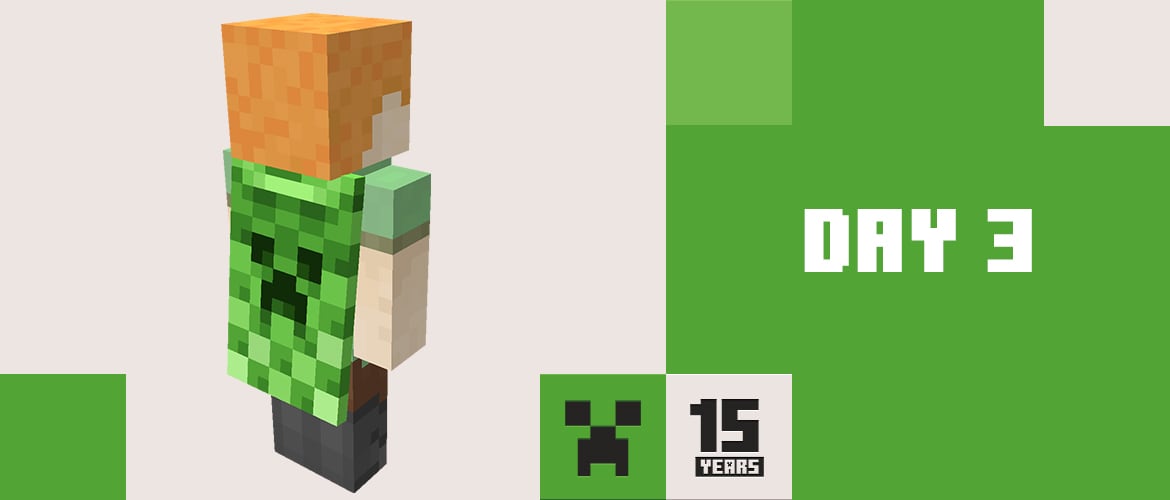
The OptiFine Cape is a cape in Minecraft that you get as a thank-you for donating to the development of the OptiFine mod. According to the OptiFine donation page, it's visible to all players using OptiFine version 1.1 B or newer. You pick a design from ready-made colors, a custom text, or a banner, and you can change it later.
- You activate the cape by donating on optifine.net for a specific player name.
- Only players with OptiFine or a mod that renders such capes can see it.
- Designs: standard, 9 colors, custom text, and a banner up to 16 layers.
- You can change the design on the cape change page, but you only have 2 minutes from logging in to do it.
How to Get the OptiFine Cape
On the donation page you enter the Minecraft player name the cape should be activated for, and immediately choose a design. The cape is tied to the player name, not to the computer, so other players with OptiFine will see it no matter which computer you're playing on. The page lists payment methods such as PayPal, PaySafeCard, prepaid cards, e-wallets, credit cards, and bank transfer, though availability depends on your country. Check the current donation amount on the page before paying.
According to the OptiFine FAQ, the cape activates automatically once payment completes, but some methods, like bank transfer, can take a few days. After activation, you get an email at the address given with the donation. If there's no email and the cape still isn't showing, the donation most likely went through without a player name attached, and you'll need to assign it on the donor login page.
The OptiFine Cape doesn't come from Mojang and doesn't appear in the vanilla game. It's an add-on visible through the mod, so you won't see it in the skin menu in the Minecraft Launcher. OptiFine only exists for Java Edition, so there's no such cape in Bedrock at all. Capes from Mojang are obtained differently, which we cover in our article on how to redeem a cape from a Twitch or TikTok code.
Cape Designs: Colors, Text, and Banner
On the donation page you can choose from the standard design, nine colors (white, gray, black, red, green, blue, yellow, purple, and cyan), and two custom options:
- a custom design, where you set the color of the top, text, bottom, and shadow,
- a banner, which you design in the OptiFine banner generator and paste in as a URL, with alignment to the top, center, or bottom.
A banner can have up to 16 layers, and the Mojang logo is banned. You change the design after logging in on the cape change page. The FAQ notes that the page has a 2-minute time limit, so plan your design first and only log in afterward. The same page shows your current design or a message saying the cape isn't active.
Why the OptiFine Cape Isn't Showing
If you got the confirmation email but still can't see the cape, the OptiFine FAQ suggests checking a few things:
- whether the player name is typed correctly, since capitalization matters,
- whether OptiFine is installed correctly, per the guide on how to install OptiFine,
- whether the Show Capes option is enabled in OptiFine's video settings, under the Details section,
- whether "Cape" is enabled in the Options menu, under "Skin Customization...",
- whether a firewall or router is blocking the connection to the OptiFine server.
First, check the cape in a singleplayer world, in third-person view, which you toggle with F5. Some servers alter player names by adding tags or shortening them, and that can prevent the cape from showing. The cape change page automatically fixes incorrect capitalization in the name.
Transferring the Cape and New Game Versions
You can temporarily disable the cape and turn it back on, or transfer it to a different player name. After a transfer, only the new account can change it. If the cape disappears, you can recover it on the donor login page, and the FAQ recommends changing your Minecraft account password in that case, since someone who knows your login details could have transferred it.
OptiFine doesn't keep up with every game version. On the OptiFine download page, as of November 2026 the newest build was the HD U K2 pre5 preview for Minecraft 26.2, released October 20, 2026, while the last stable release, HD U J9, covers 1.21.11.
If you're playing on Fabric, for example with Sodium, you can see OptiFine capes using the Capes mod, which according to its page on Modrinth supports versions up to 26.3. Just install it, and besides OptiFine capes it also displays ones from LabyMod and MinecraftCapes, which you can disable in the mod's settings.
You can read more about the mod itself on the OptiFine page, and find an overview of all cape types in our capes in Minecraft section.
