
The Lost Potato map
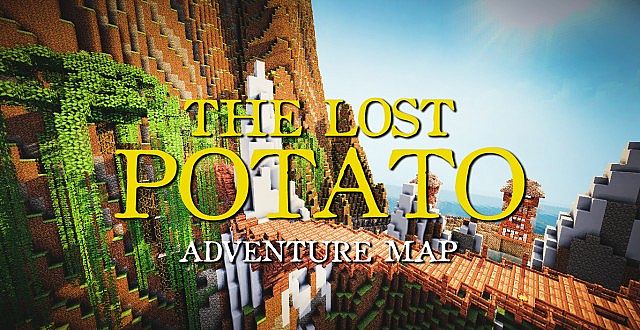
A funny adventure in which you hunt for a legendary lost potato across exotic lands.
Map details
| Name | The Lost Potato |
| Creator | CommandCrafter |
| Category | Adventure |
| Edition | Java |
| Version | 1.12.2 |
| Number of players | 1-3 |
| Difficulty | ★★☆☆☆ Easy |
| Play time | 2-4 hours |
About the map
An epic adventure map where you set out in search of a legendary lost potato. It sounds absurd, but the story is surprisingly gripping and full of humor. The map takes you through a variety of lands, from enchanted forests and desert ruins to underwater temples. Every location has its own puzzles, skirmishes with enemies and hidden treasures. Dialogue with NPCs, powered by command blocks, creates an interactive story worthy of the best adventure games. The final boss battle requires both skill and wits.
Key features
- Humorous story
- NPC dialogue
- Varied locations
- Boss fight
- Hidden treasures
Tags
How to install this map
Download The Lost Potato map from its original source, then install it with the steps below.
Source: Planet Minecraft. The file is hosted by the original creator, not on minecraft.pl.
Java Edition
- Unzip the downloaded ZIP archive. Inside, you'll find a folder with a
level.datfile. - Copy the folder to
.minecraft/saves/(Windows:%appdata%/.minecraft/saves/, macOS:~/Library/Application Support/minecraft/saves/). - Launch Minecraft 1.12.2, open "Singleplayer" and pick the map from the world list.
- If the map comes with a resource pack, turn it on in the settings before you start playing.
Note: The map requires version 1.12.2. Running it on a different version can cause errors or missing elements. If you don't have the required version installed, create a matching profile in the Minecraft Launcher.
Similar maps
Herobrine's Mansion
A cult-classic adventure map set in Herobrine's haunted mansion, with bosses and puzzles to solve.
Adventure · Java · MediumDiversity 3
A multi-genre map that blends parkour, puzzles, survival and boss fights into one adventure.
Adventure · Java · MediumCaptive Minecraft IV
An inventive survival map where the world grows as you unlock advancements.
Adventure · Java · HardWitchcraft and Wizardry
A full recreation of Hogwarts from the Harry Potter world, with a spell system and magic lessons.
Adventure · Java · Easy