
Parkour Spiral map
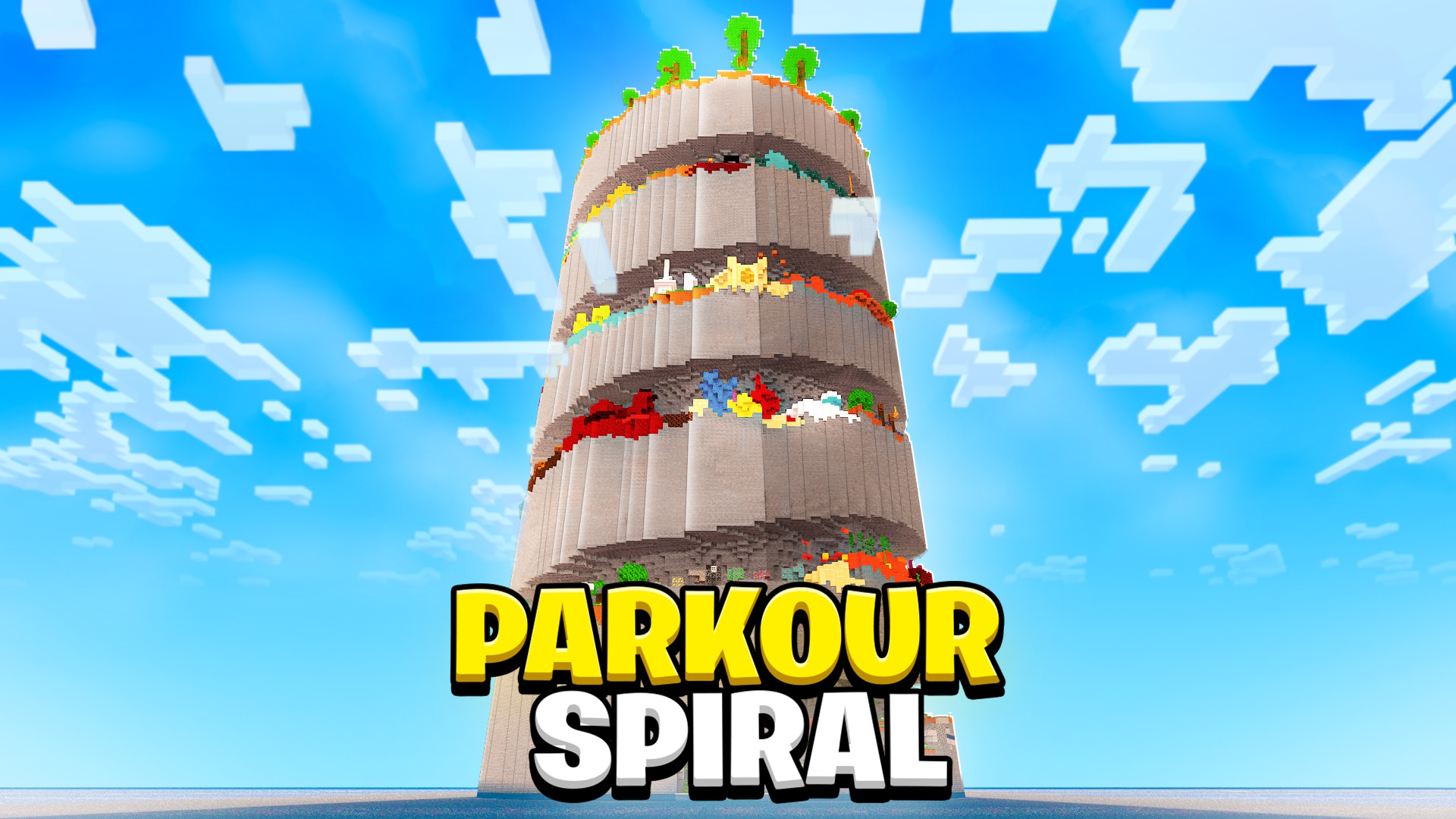
A huge spiral parkour tower with ever harder sections and checkpoints.
Map details
| Name | Parkour Spiral |
| Creator | SpiralTeam |
| Category | Parkour |
| Edition | Java & Bedrock |
| Version | 1.20.4 |
| Number of players | 1-8 |
| Difficulty | ★★★☆☆ Medium |
| Play time | 1-3 hours |
About the map
A monumental parkour map with a spiral tower that reaches the build limit. Players climb through ever harder sections, jumping across blocks laid out in a spiral. Every floor brings new mechanics: from standard jumps to ice blocks, honey blocks and elytra jumps, all the way to netherite sections with quasi-connectivity. Thanks to the checkpoint system and the leaderboard, the map is perfect for competing with friends. The colorful look and spectacular design make the climb visually satisfying.
Key features
- Spiral tower
- Different jump mechanics
- Checkpoint system
- Leaderboard
- Colorful design
Tags
How to install this map
Download the Parkour Spiral map from its original source, then install it with the steps below.
Source: Hielke Maps (creator official site). The file is hosted by the original creator, not on minecraft.pl.
Java Edition
- Unzip the downloaded ZIP archive. Inside, you'll find a folder with a
level.datfile. - Copy the folder to
.minecraft/saves/(Windows:%appdata%/.minecraft/saves/, macOS:~/Library/Application Support/minecraft/saves/). - Launch Minecraft 1.20.4, open "Singleplayer" and pick the map from the world list.
- If the map comes with a resource pack, turn it on in the settings before you start playing.
Bedrock Edition
- Download the
.mcworldfile of the Parkour Spiral map. - Double-click the file and Minecraft imports it automatically.
- Alternatively, unzip the file and copy it to
games/com.mojang/minecraftWorlds/. - Make sure you have Minecraft 1.20.4 or newer.
Note: The map requires version 1.20.4. Running it on a different version can cause errors or missing elements. If you don't have the required version installed, create a matching profile in the Minecraft Launcher.
Similar maps
Parkour Civilization
Parkour combined with building a civilization: jump, gather resources and grow your city.
Parkour · Java · MediumRainbow Parkour
70 parkour levels in the colors of the rainbow, each with its own unique mechanic.
Parkour · Java & Bedrock · EasyNeon Parkour
Cyberpunk parkour across neon city rooftops, with synthwave music and 40 levels.
Parkour · Java · MediumDropper Extreme
An extreme take on the Dropper, with 25 levels of tricky drops and moving obstacles.
Parkour · Java · Hard