
OneBlock map
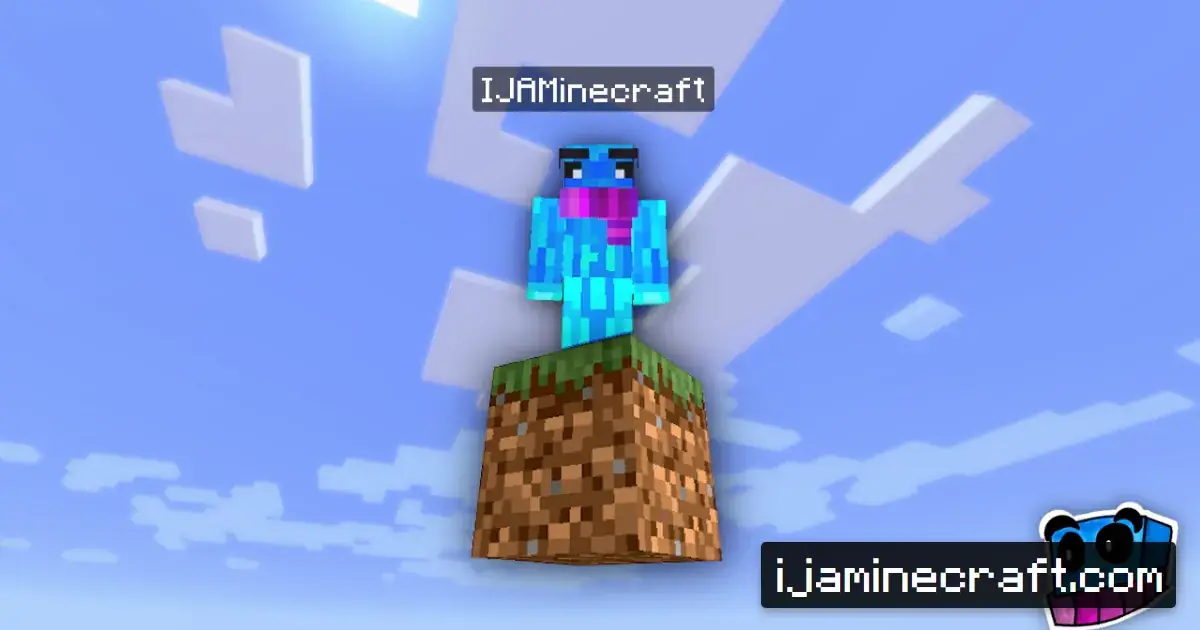
Survival on a single regenerating block that drops rarer and rarer resources.
Map details
| Name | OneBlock |
| Creator | IJAMinecraft |
| Category | Survival |
| Edition | Java & Bedrock |
| Version | 1.21 |
| Number of players | 1-2 |
| Difficulty | ★★☆☆☆ Easy |
| Play time | 5-20+ hours |
About the map
An innovative survival map where you start on one single block floating in the void. The block regenerates every time you break it and gives you a different resource each time. The more blocks you mine, the rarer the materials that start to appear: from wood and stone to iron and diamonds, all the way to blocks from the Nether and the End. The map adds a system of phases that change the theme of the blocks that appear and the mobs that spawn. OneBlock is a fresh take on SkyBlock that cuts out the monotony and gives you a constant sense of progress.
Key features
- Regenerating block
- Phase system
- Resource progression
- Mob spawns
- Automatic difficulty
Tags
How to install this map
Download the OneBlock map from its original source, then install it with the steps below.
Source: IJAMinecraft (official). The file is hosted by the original creator, not on minecraft.pl.
Java Edition
- Unzip the downloaded ZIP archive. Inside, you'll find a folder with a
level.datfile. - Copy the folder to
.minecraft/saves/(Windows:%appdata%/.minecraft/saves/, macOS:~/Library/Application Support/minecraft/saves/). - Launch Minecraft 1.21, open "Singleplayer" and pick the map from the world list.
- If the map comes with a resource pack, turn it on in the settings before you start playing.
Bedrock Edition
- Download the
.mcworldfile of the OneBlock map. - Double-click the file and Minecraft imports it automatically.
- Alternatively, unzip the file and copy it to
games/com.mojang/minecraftWorlds/. - Make sure you have Minecraft 1.21 or newer.
Note: The map requires version 1.21. Running it on a different version can cause errors or missing elements. If you don't have the required version installed, create a matching profile in the Minecraft Launcher.
Similar maps
SkyBlock
The classic survival challenge on a floating island with a single tree and a list of goals to complete.
Survival · Java & Bedrock · MediumRaft Survival
Survive on a raft in the ocean by fishing for resources and expanding your platform.
Survival · Java · MediumStoneBlock 2
The opposite of SkyBlock: survival inside a world of solid stone, with mining, quests and hidden structures.
Survival · Java · EasyAcidIsland
SkyBlock with a toxic ocean and acid rain. Survive by protecting yourself from the acid.
Survival · Java · Hard