
 5 min read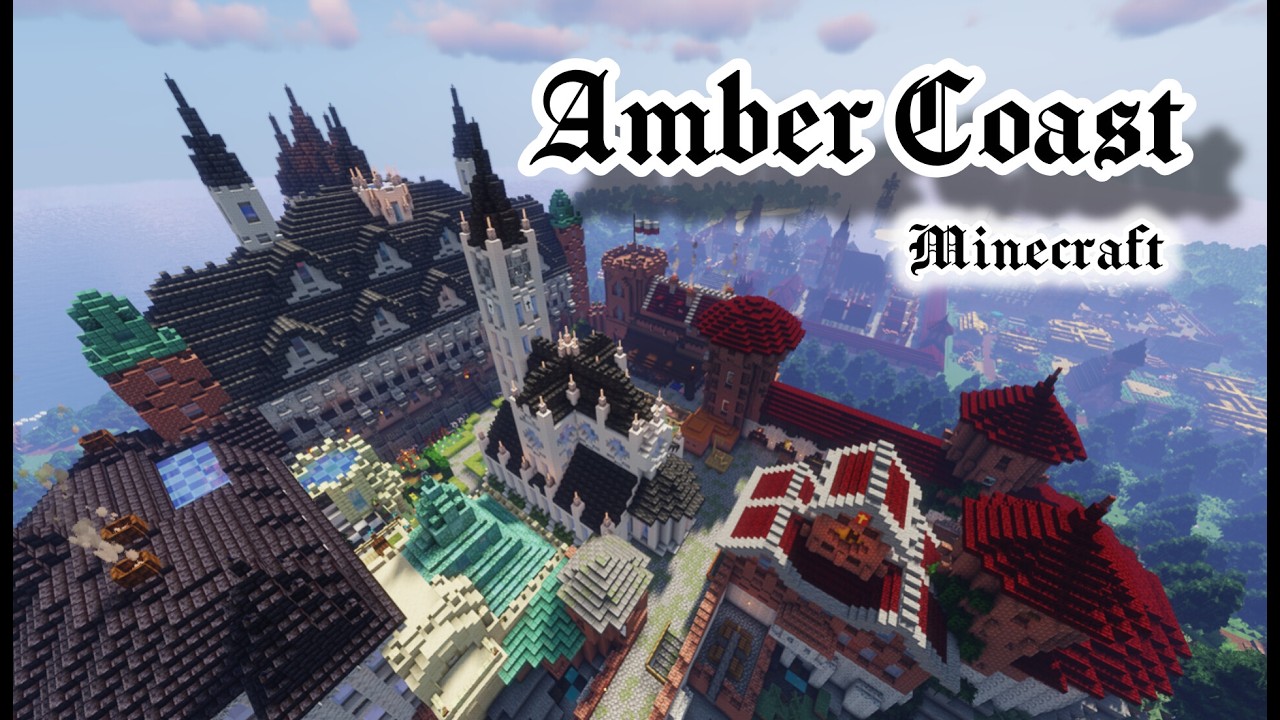
Amber Coast (Polish: Bursztynowy Brzeg) is a historical Minecraft map that Polish creator Siabadaba worked on for over 11 months. It depicts a fictional but realistic city from the late 15th century, where every building has period-accurate interiors.
- Author: Siabadaba, @Siabidibi channel on YouTube
- Era: late 15th century, Gothic with the first traces of the Renaissance
- Game version: Minecraft Java Edition 1.19.2 and newer
- Download: Planet Minecraft
We learned about the map from the author himself, who reached out to us on Discord. In the trailer's YouTube description, he sums up those months of work briefly: "It wasn't easy!" One minute of footage is enough to understand why.

The trailer went up on YouTube on October 28 and runs 67 seconds. It shows a port, a castle, fields, and rural buildings surrounding the city. The author shows more footage in the shorts "Amber Coast" and "Sturm bricht los - ships on my map." In the latter, the ships on the map take center stage.
A city from the late 15th century
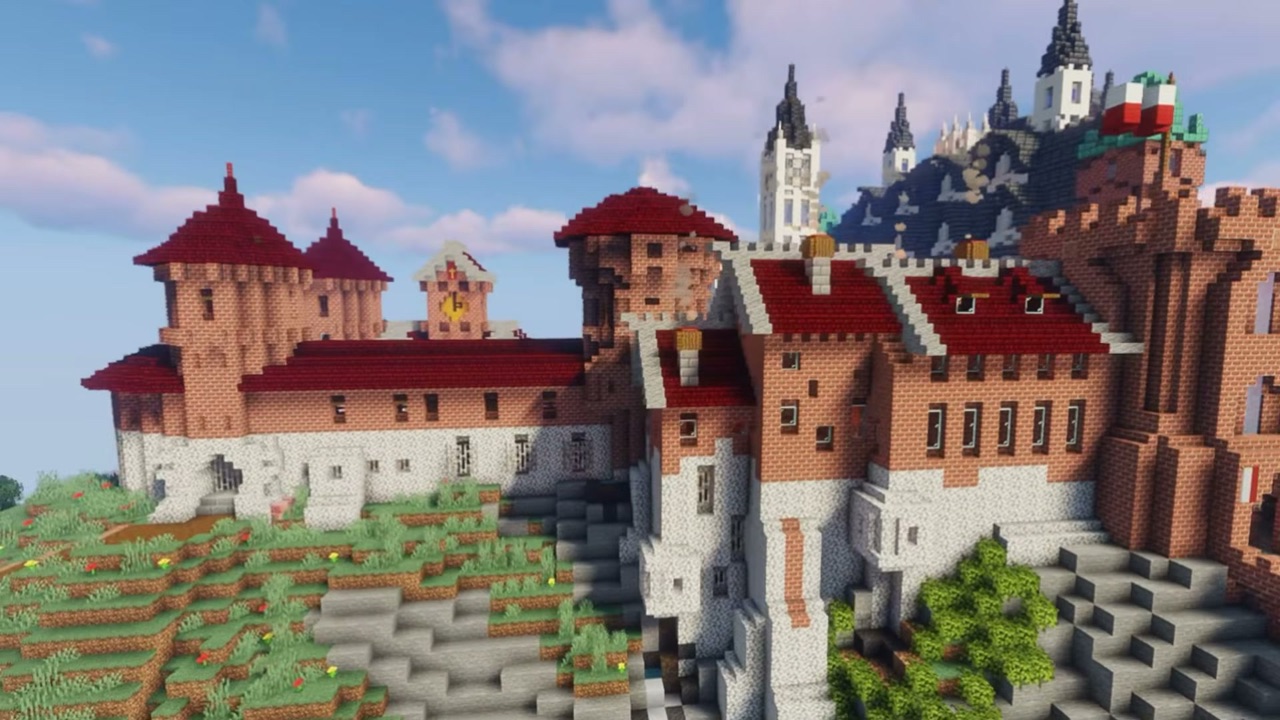
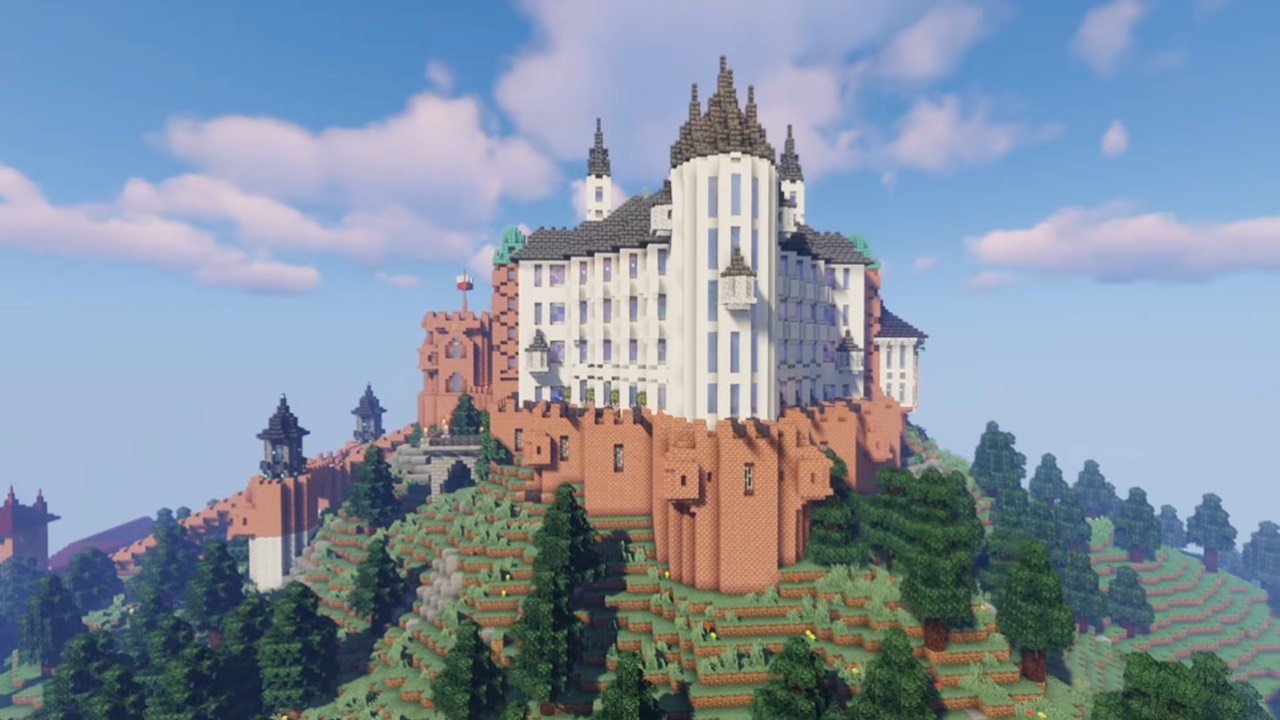
Amber Coast is a fictional city, though its name immediately brings to mind the Baltic coast and amber. The author designed it so it could plausibly have existed, setting it at the close of the Middle Ages. You can already see the beginnings of the Renaissance, but much of the construction remains Gothic, including townhouses, a cathedral, a low castle, and parts of a high castle.
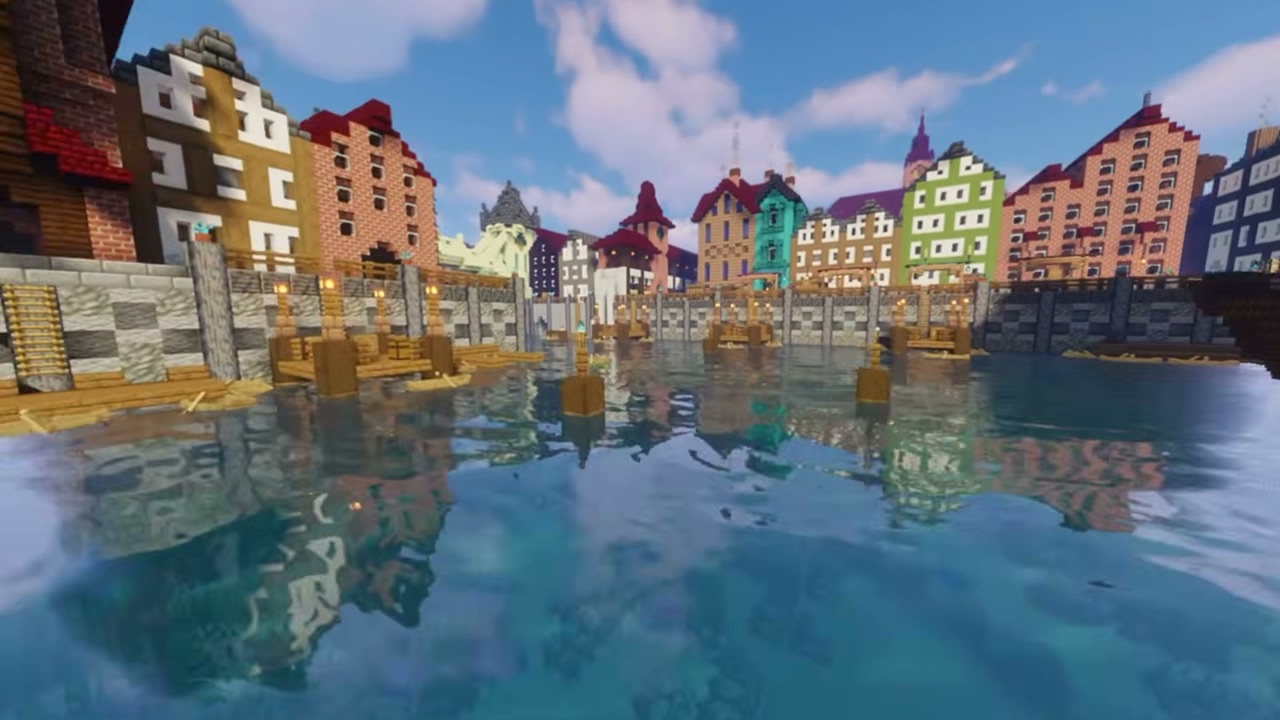
This picture lines up with how cities actually changed back then. The new style didn't push out Gothic overnight, since buildings were rebuilt gradually. Renaissance details often appeared alongside Gothic walls for a long time, rather than replacing them outright.
The buildings are modeled on real structures and placed so that, in reality, they could stand without collapsing. The author writes that historical accuracy is "at the highest level I can manage."
Period interiors in every building
The map's biggest attraction only becomes clear once you step inside. The author puts it plainly in the description:
"All buildings, without a single exception, have interiors, and period-accurate ones at that."
So Amber Coast isn't just a model meant to be admired from the outside. The city, castle, and surrounding villages were built the way things were built in the 15th century. They're functional and include every building and room their late medieval counterparts would have had.
That's why the map is best explored without rushing: pop into the townhouses along the harbor, walk through the castle, then head out to the villages around the city.
The author is demanding of himself here, too. In the description, he admits the granaries at the port don't have an overhanging roof at the front, "they're just flat like that," and jokingly adds that it bothers him as well. In port cities of that era, granaries used to store grain and other goods were an important part of the waterfront. If the creator is this nitpicky about himself, you can imagine how much attention he paid to everything else.
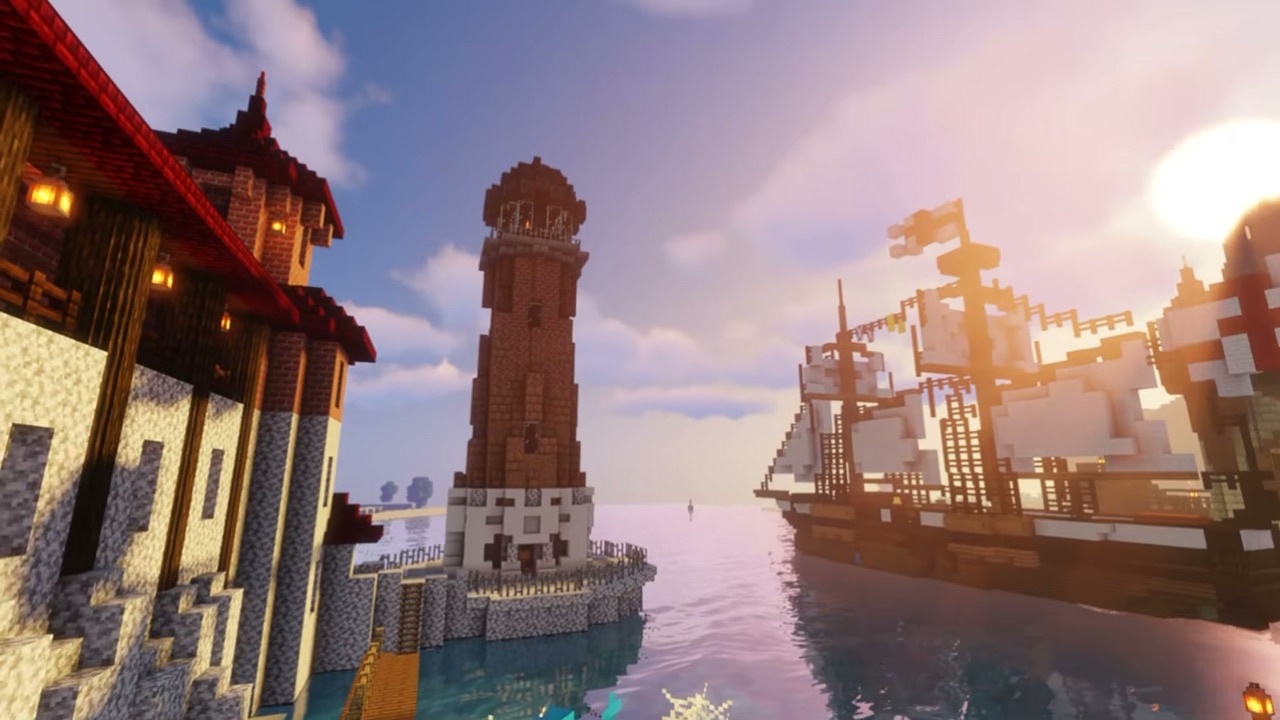
The project also has an educational side. In the trailer's title, the author calls it an "Educational historical project," and wishes players "fun and maybe some learning." A walk from the port to the castle gives a good sense of what a city might have looked like in the late 15th century.
How to download and run the map
The map works in Minecraft Java Edition. The author states that versions 1.19.2 and newer are compatible, so check which game version you've selected in your launcher before running it.
- Go to the map's page on Planet Minecraft and download the map archive.
- Extract the archive.
- Copy the world folder into your
.minecraft/savesdirectory. Thelevel.datfile should sit directly inside the world folder, not in a further subfolder. - Launch the game on version 1.19.2 or newer and select the map from the world list.
If the world doesn't show up in the list, the usual culprit is an extra folder created during extraction. We cover the save folder paths for Windows, macOS, and Linux, plus fixes for common problems, in our guide "How to install a map in Minecraft."
You'll also find Amber Coast in our map catalog, where it has its own entry. If you like the map, check out the author's YouTube channel and let him know what you think. After nearly a year of work, every bit of player feedback matters.
And if you're building something bigger, show us your project on our Discord. This very article started with a single message, too.
